 CardRescue
Thank you for downloading CardRescue
The CardRescue download should start automatically. If it does not, please click here.
Not on a Mac? Click here to download a Windows version.

Install CardRescue
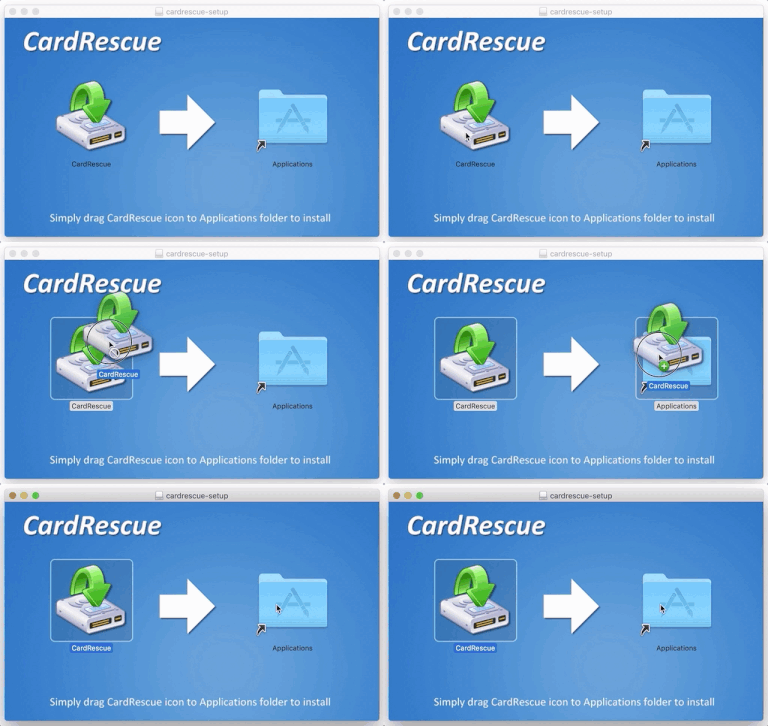
Open the downloaded disk image called "cardrescue-setup.dmg", and drag CardRescue to the Applications folder to install.
Run CardRescue
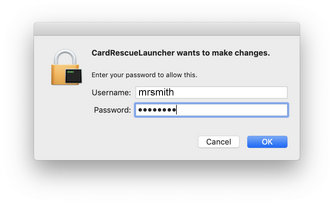
Run CardRescue from the Applications folder. macOS will ask you to enter the username and password (administrator required) to allow it. That's safe.
Steps to recover lost pictures from a memory card
Download and install CardRescue on your Mac.
Connect the camera or card reader to your Mac.
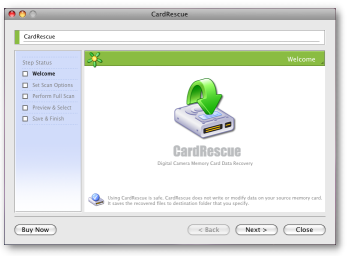
Run CardRescue to scan the memory card and recover the lost pictures.
Using CardRescue is secure and risk-free. The software does not write anything to or modify the data on the flash card. It rescues the photos from the card and saves them to a folder on your hard drive.