 CardRescue
CardRescue Screenshots
Only 3 simple steps to restore your lost pictures from camera or phone memory card

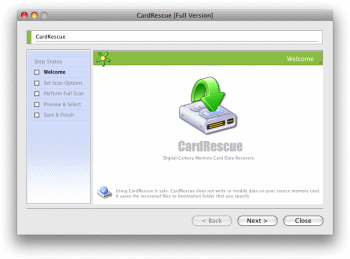
Welcome to CardRescue.
CardRescue has Mac wizard style interface and makes it simple to detect and rescue photos and movies from your memory card.
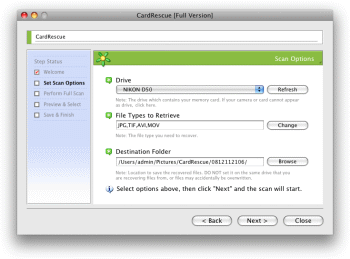
Step 1 of CardRescue
There are several easy options to select on the first step. You may choose memory card drive, File Type to retrieve and destination folder to save the recovered files.
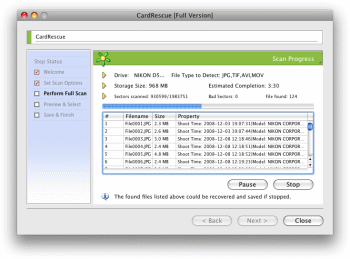
Step 2 of CardRescue
The program will automatically perform a full and quick scan on your memory card and list the found picture files.
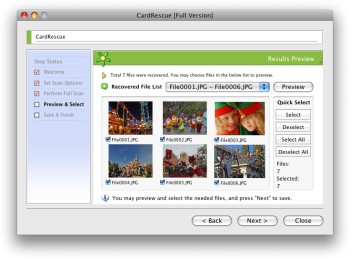
Step 3 of CardRescue.
The program will list all the found picture files and allow you to preview them in thumbnails and choose the needed files.
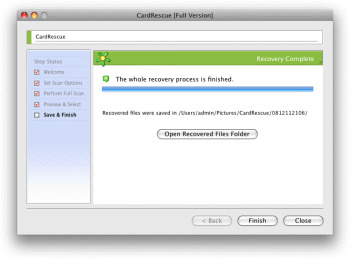
Recovery complete
The program will save the recovered photos and movies files to the destination folder that you specify on Step 1. You get back your lost pictures!